Upgrade from IMAP to Office 365 & SharePoint

Many businesses still rely on IMAP email or older on-premises servers. These systems worked well years ago, but they no longer support how modern teams communicate. Today, companies need secure tools, real-time collaboration, and access from anywhere. Office 365 and SharePoint provide exactly that.
Why IMAP and On-Prem Email Hold You Back
IMAP only handles basic email. It doesn’t support shared calendars, shared mailboxes, real-time document editing, or strong security. On-prem servers also create extra work because they require updates, backups, and hardware maintenance.
As a result, these old systems slow your team down and increase long-term costs.

Better Collaboration with Office 365
Office 365 includes tools that help teams work together more effectively. For example, users can edit documents at the same time and see changes instantly. Teams, SharePoint, and OneDrive all connect, which makes communication simple and organised.
Additionally, files stay up to date in one place. This removes the need for long email chains or confusing file versions.
Access Your Work from Anywhere
One of the biggest advantages of moving to Office 365 is flexibility. Staff can open their email, files, and shared documents from any device. They don’t need a VPN, remote server, or office network.
Because everything is stored securely in the cloud, your team stays productive whether they are at home, in the office, or travelling.
Improved Security and Compliance
Cyber threats are increasing every year. Older systems cannot offer the same level of protection as Office 365. The platform includes:
- Multi-Factor Authentication
- Data encryption
- Built-in threat protection powered by Microsoft Defender
- Audit logs, retention tools, and compliance controls
- Granular permissions for files and site access
Therefore, your business is better protected against phishing, malware, and data loss.
SharePoint as a Modern File Server
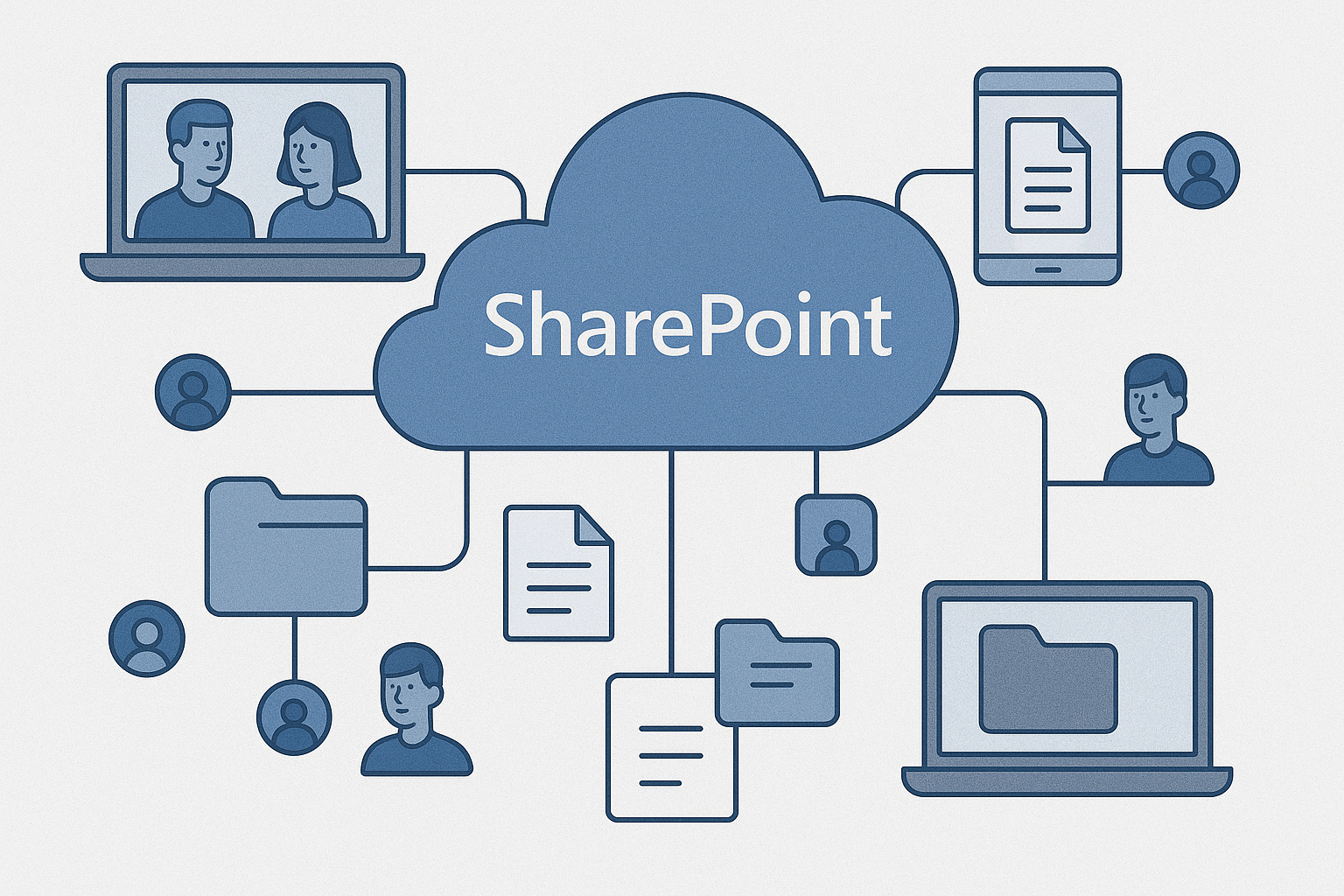
SharePoint replaces office file servers with easier, cloud-based storage. It includes version control, secure sharing, and permissions for teams or departments. Unlike old shared drives, SharePoint is fast, reliable, and accessible from any device.
Furthermore, SharePoint integrates seamlessly with Microsoft Teams and OneDrive, which streamlines your internal workflows.
Reduced Costs and Less Maintenance
Maintaining physical servers costs money. Hardware updates, backups, power, cooling, and IT support all add up. Office 365 removes these expenses because Microsoft manages the servers for you.
This means your business only pays for the licenses it uses, and you avoid large, unexpected hardware bills.
High Uptime and Business Continuity
Office 365 delivers a 99.9% uptime guarantee. Even if your office internet goes down, your email and files remain accessible. Data is replicated across multiple Microsoft datacentres, which increases reliability and protects you from local outages.
Why Now Is the Right Time to Upgrade
Switching to Office 365 and SharePoint gives your business:
- Better collaboration
- Stronger security
- Lower operating costs
- Cloud access from anywhere
- Modern, scalable technology
Because of this, more companies are moving away from IMAP and on-prem servers every year.
📩 Need Help Migrating?
We manage the full migration process, including:
- IMAP → Office 365 transfers
- On-prem Exchange → Exchange Online
- SharePoint setup and data migration
- Teams and OneDrive deployment
- Security configuration (MFA, policies, Defender)
- Zero data loss
Contact us today for support or a free quote.
Not familiar with some of the terms?
Click here to view our IT Glossary.
Sources & Further Reading
Microsoft 365 Overview:
https://learn.microsoft.com/en-us/microsoft-365/enterprise/about-microsoft-365
Exchange Online:
https://learn.microsoft.com/en-us/exchange/exchange-online
IMAP Limitations:
https://learn.microsoft.com/en-us/exchange/clients-and-mobile-in-exchange-online/pop-imap/imap4
SharePoint Overview:
https://learn.microsoft.com/en-us/sharepoint/introduction
SharePoint Migration:
https://learn.microsoft.com/en-us/sharepointmigration/overview-file-share-migration
Microsoft 365 Security:
https://learn.microsoft.com/en-us/microsoft-365/security
Defender for Office 365:
https://learn.microsoft.com/en-us/microsoft-365/security/office-365-security/defender-for-office-365
Office 365 Encryption:
https://learn.microsoft.com/en-us/microsoft-365/compliance/office-365-encryption
Compliance Center:
https://learn.microsoft.com/en-us/microsoft-365/compliance/microsoft-365-compliance-center
99.9% Uptime SLA:
https://www.microsoft.com/licensing/docs/view/Service-Level-Agreements-SLA-for-Online-Services
Cloud Cost Savings:
https://learn.microsoft.com/en-us/microsoft-365/enterprise/cost-savings