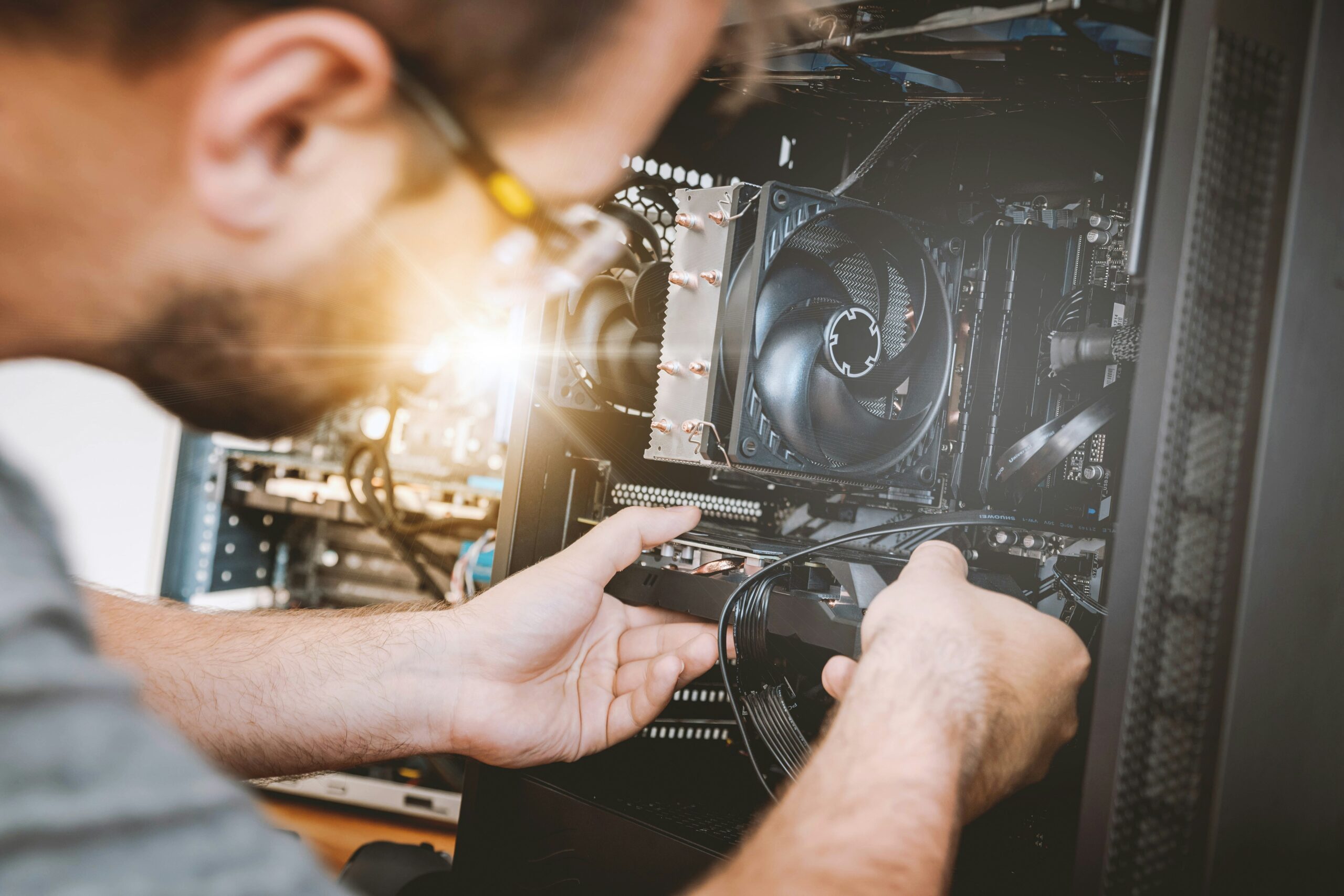
When it comes to maintaining your computer, sometimes it’s hard to know when it’s time to repair or upgrade. Computers slow down over time, and issues can start to pile up. If you’re dealing with constant frustration or suspect something might be wrong, it’s important to know when to take action.
Here are 7 signs your computer might need a repair or upgrade:
1. Your Computer is Constantly Slow
If your computer has become slow over time, it could be a sign that there’s an underlying problem. While basic tasks like browsing or typing might still seem fine, launching programs, saving files, or simply navigating your system might feel sluggish.
- What to do: Try running a disk cleanup, disabling unnecessary startup programs, and checking for malware. If the issue persists, it might be a sign that your hardware (like the hard drive or RAM) is underperforming or failing.
2. Frequent Crashes or Freezes
Another common issue is your computer freezing or crashing often. Whether it’s freezing during simple tasks or shutting down unexpectedly, these disruptions could be indicative of software issues, overheating, or failing hardware.
- What to do: Start by updating your software, checking for corrupt files, and testing for overheating. If nothing improves, it may be time to have your computer checked by a technician.
3. The Fan Is Always Running Loudly
Loud or constant fan noise could be a sign that your computer is working harder than it should be. This might happen if your computer is overheating, has too many programs running, or if the internal cooling system is malfunctioning.
- What to do: Check the ventilation and ensure that air can circulate properly around your machine. You can also try cleaning the fans. If the noise persists, the internal cooling system might need an upgrade or repair.
4. You Can’t Update or Install New Software
Having trouble installing new software or updating your operating system? This could be a sign of limited storage space, outdated hardware, or issues with your operating system itself.
- What to do: Clear up some space on your hard drive by deleting unnecessary files or applications. You might need to upgrade your storage or even consider a new operating system version for full compatibility with modern software.
5. Programs and Files are Missing or Corrupted
If you notice that programs aren’t launching properly, files are missing, or your files appear corrupted, you might have a failing hard drive or file system issues.
- What to do: Run a disk check to find any errors and consider backing up your important files. If the issue continues, you may need to replace your hard drive or restore from a backup.
6. Your Computer is Outdated (or No Longer Supported)
Sometimes, your computer may simply be too old to handle the demands of modern software. If your computer no longer receives software or security updates from the manufacturer, it’s a sign that it’s reaching the end of its useful life.
- What to do: Check the age of your computer and evaluate whether upgrading specific components (such as the RAM or hard drive) could extend its lifespan. In some cases, however, it may be more cost-effective to upgrade the whole system.
7. Your Computer Keeps Getting Malware or Viruses
If your computer has become a magnet for malware or viruses, it could be due to outdated software, weak security protocols, or compromised hardware.
- What to do: Install the latest antivirus and anti-malware software, and update your operating system. If problems continue, it could be a sign of deeper issues with your system’s security or hardware.
How to Know When to Repair vs. Upgrade
Understanding the difference between repairs and upgrades is key to determining the best course of action for your computer.
- Repair: If your computer is experiencing specific issues like a failing hard drive, malfunctioning cooling system, or damaged keyboard, a repair might be enough to get it back in working order.
- Upgrade: If your system is outdated or you’re experiencing performance slowdowns across multiple areas (and repairs haven’t solved the problem), an upgrade may be worth considering. Upgrades like adding more RAM, upgrading to a solid-state drive (SSD), or replacing an aging processor can breathe new life into an old system.
Conclusion: Don’t Wait Until It’s Too Late!
If you’re noticing any of the above signs, don’t ignore them. Regular maintenance and timely repairs or upgrades can prolong the life of your computer, improve performance, and save you from costly repairs down the road.
If you’re unsure whether your computer needs a repair or upgrade, don’t hesitate to reach out to an IT professional. A quick diagnosis can help you avoid more expensive fixes later.